Workshop schedules affect visit success
A busy workshop may need another visit before the owner can discuss an order.
How SalesTOS helps
Use customer visit history to retain the contact record and inform the next call.

Connect workshop and dealer visits with repeat product requirements and payment conversations. Give parts and lubricant distribution managers visibility into the customer activity behind each route.

For automotive parts wholesalers, lubricant distributors and representatives visiting workshops and trade dealers. Territory managers review account coverage and sales activity.
A busy workshop may need another visit before the owner can discuss an order.
Use customer visit history to retain the contact record and inform the next call.
Representatives need to capture each configured item and quantity clearly.
Use product-wise order records and earlier customer order history.
Managers need to see coverage across both customer types.
Review assigned accounts, route activity and recorded visits together.
The employee needs to know the account discussion from the previous call.
Keep collection history and payment commitments available in the relevant module.
A practical example for automotive parts & lubricants; the steps depend on your enabled modules and employee roles.
Plan assigned dealer and workshop visits.
Log the meeting and review previous account activity.
Submit configured parts or lubricant quantities.
Record the payment discussion and next commitment.
Managers look at customer coverage and order activity.
Customer activity · Example field day
Review Field for visit activity, Sales for order work, Collection for account follow-up, and All-in-One for a combined workflow.
Explore the current plans and features for your team.
Features and availability follow the current package catalogue. Compare all package features and configured limits.
Yes. Configure the business customer records and responsible employees. Visit and order activity remains associated with each account.
Vehicle fitment, VIN decoding and parts compatibility are not established by product-wise order capture. Validate specialist catalogue needs separately.
They can use customer order history and capture a new order for configured items and quantities. Stock availability and batch information need separate confirmation.
Workshop job cards, repairs, warranties and service scheduling are outside the capabilities described on this page.
Use one workshop, one trade dealer, representative product codes and a repeat order. Include an outstanding account if the same team also follows up payments.
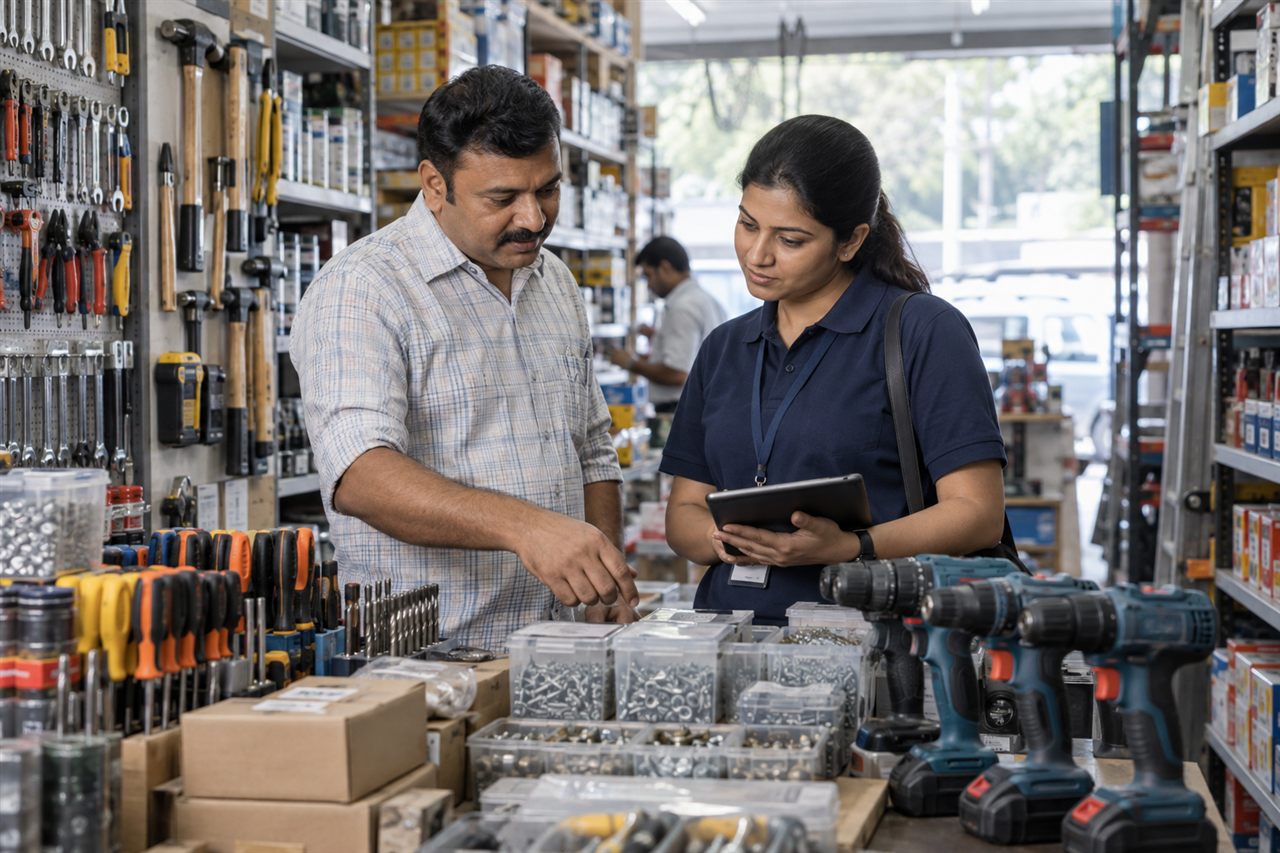
Connect trade counter coverage, repeat B2B orders and collection follow-up.
Explore Hardware & Tools solutions
Connect industrial customer visits, repeat product orders and account collections.
Explore Industrial Supplies & Packaging solutions
Organise rural dealer visits, seasonal orders and payment follow-up across agricultural territories.
Explore Agricultural Inputs & Equipment solutionsBring a representative customer account and a typical working day to the demo.