Small accounts are easy to overlook
A representative may repeatedly visit a few large trade counters.
How SalesTOS helps
Use assigned customers and visit history to review contact across the full territory.

Support hardware and tool distribution with clear retailer coverage, repeat product orders and account collections. Keep field representatives and territory managers working from the same customer activity.
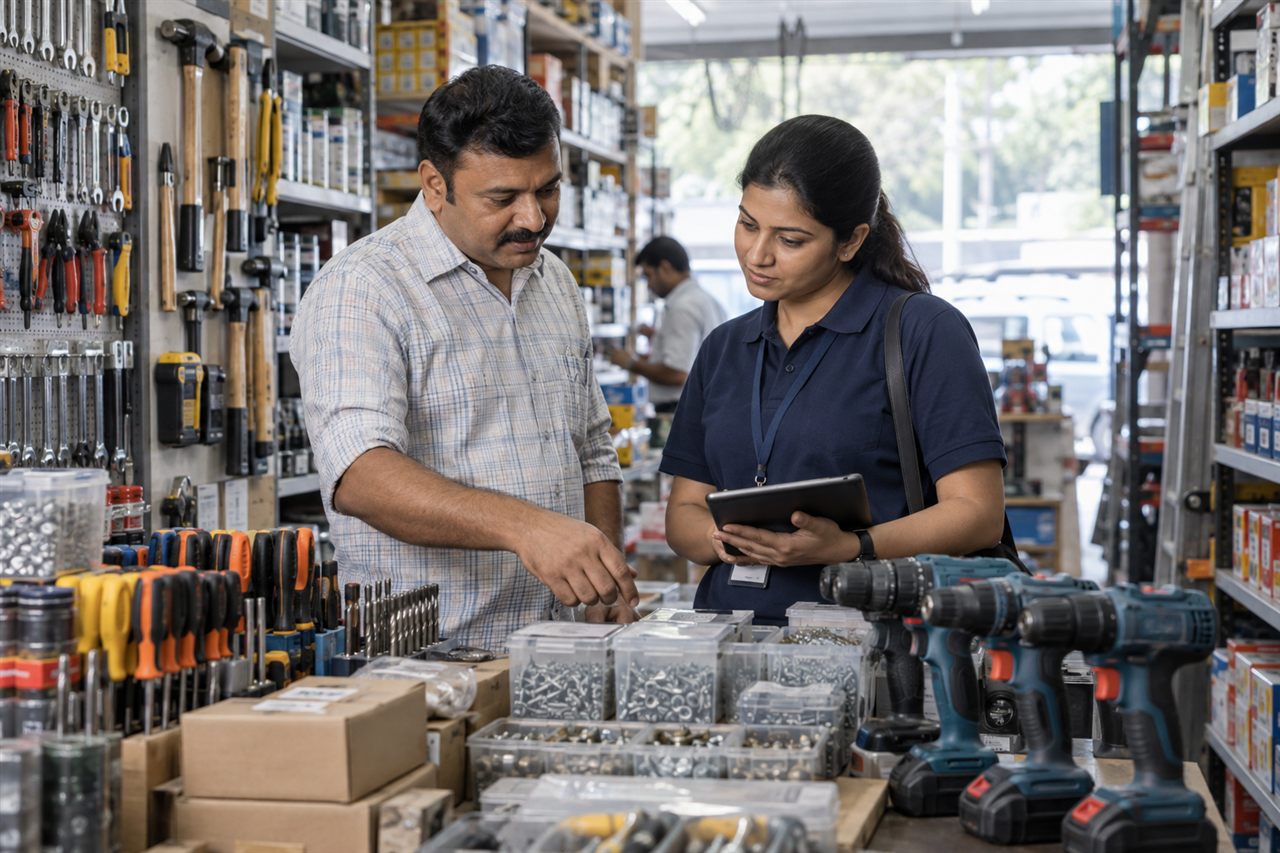
For hardware wholesalers, tool distributors and representatives calling on trade retailers and business customers. Managers can review coverage and team sales across assigned territories.
A representative may repeatedly visit a few large trade counters.
Use assigned customers and visit history to review contact across the full territory.
Informal notes make quantities harder for the office to interpret.
Capture each configured product and requested quantity in the order workflow.
A lower order day may still include important customer follow-up.
Review visit activity with sales records rather than judging only the order total.
The next call needs to reflect the last discussion of the balance.
Use account follow-up and promise-to-pay records when collections are enabled.
A practical example for hardware & tools; the steps depend on your enabled modules and employee roles.
Review assigned counters and planned visits.
Log the visit and discuss replenishment needs.
Enter the configured hardware items and quantities.
Record the next collection action where appropriate.
Managers check which accounts were visited and what was ordered.
Customer activity · Example field day
Review Field for visit activity, Sales for order work, Collection for account follow-up, and All-in-One for a combined workflow.
Explore the current plans and features for your team.
Features and availability follow the current package catalogue. Compare all package features and configured limits.
Product-wise order records support configured catalogue items and quantities. Test a typical trade order and its units during the demo.
The field order workflow does not itself promise real-time stock availability. An inventory source and integration would need to be confirmed.
Assigned customer lists and visit history support account-level review. Territory ownership and reporting permissions should reflect the actual team.
Tool repairs, spare-parts jobs and service ticketing are not part of the capabilities described on this page. Discuss those systems separately.
All-in-One combines sales and collection modules. Account visibility and payment activity depend on the employee permissions configured for your business.

Connect industrial customer visits, repeat product orders and account collections.
Explore Industrial Supplies & Packaging solutions
Keep electrical dealer coverage, contractor visits, product orders and payment conversations connected.
Explore Electrical & Lighting Products solutions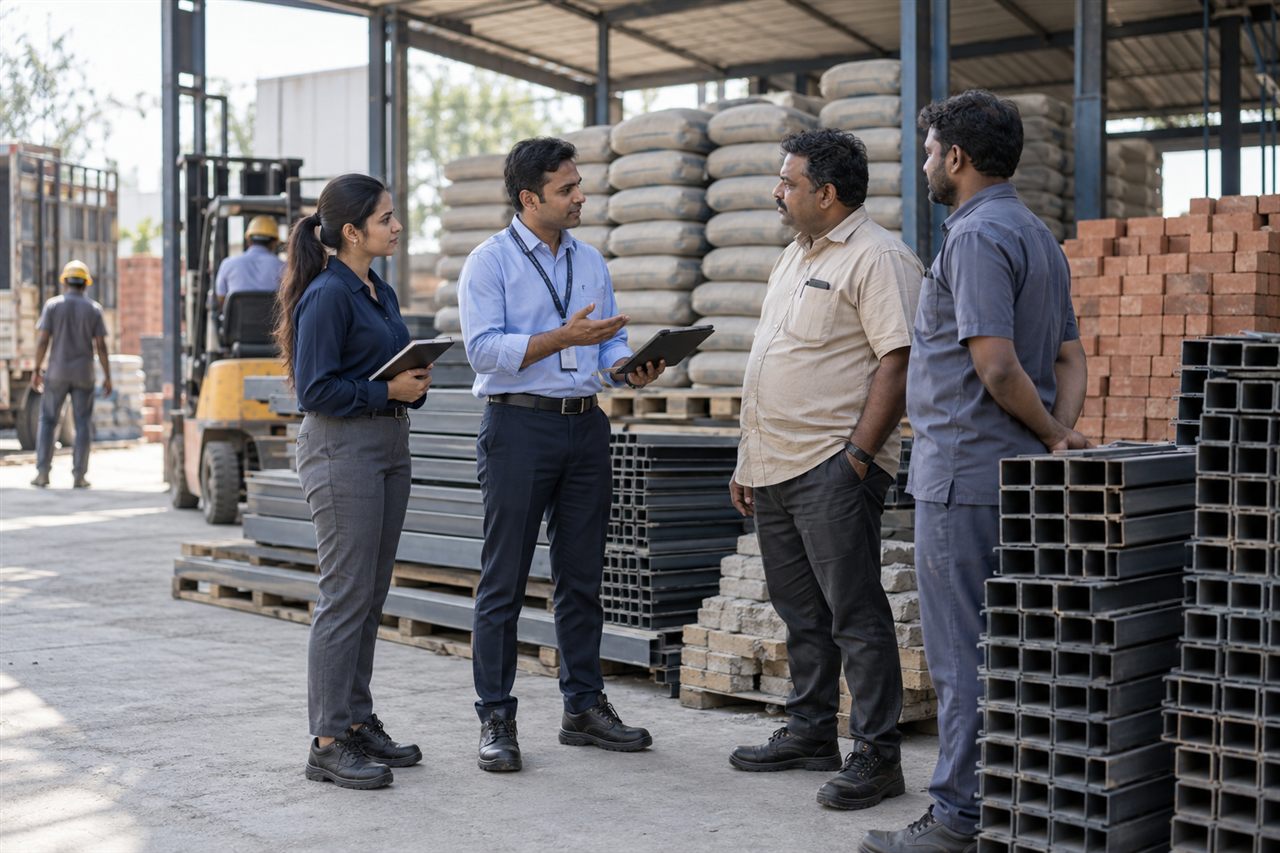
Connect dealer and site visits with material orders, territory activity and payment follow-up.
Explore Building Materials & Cement solutionsBring a representative customer account and a typical working day to the demo.