Long distances separate dealer calls
Managers need context for the day beyond a list of orders.
How SalesTOS helps
Use route history and customer visits to review field coverage alongside attendance.

Connect agricultural dealer visits, seasonal sales activity and account follow-up across dispersed territories. Give managers a practical record of the field work behind each customer relationship.
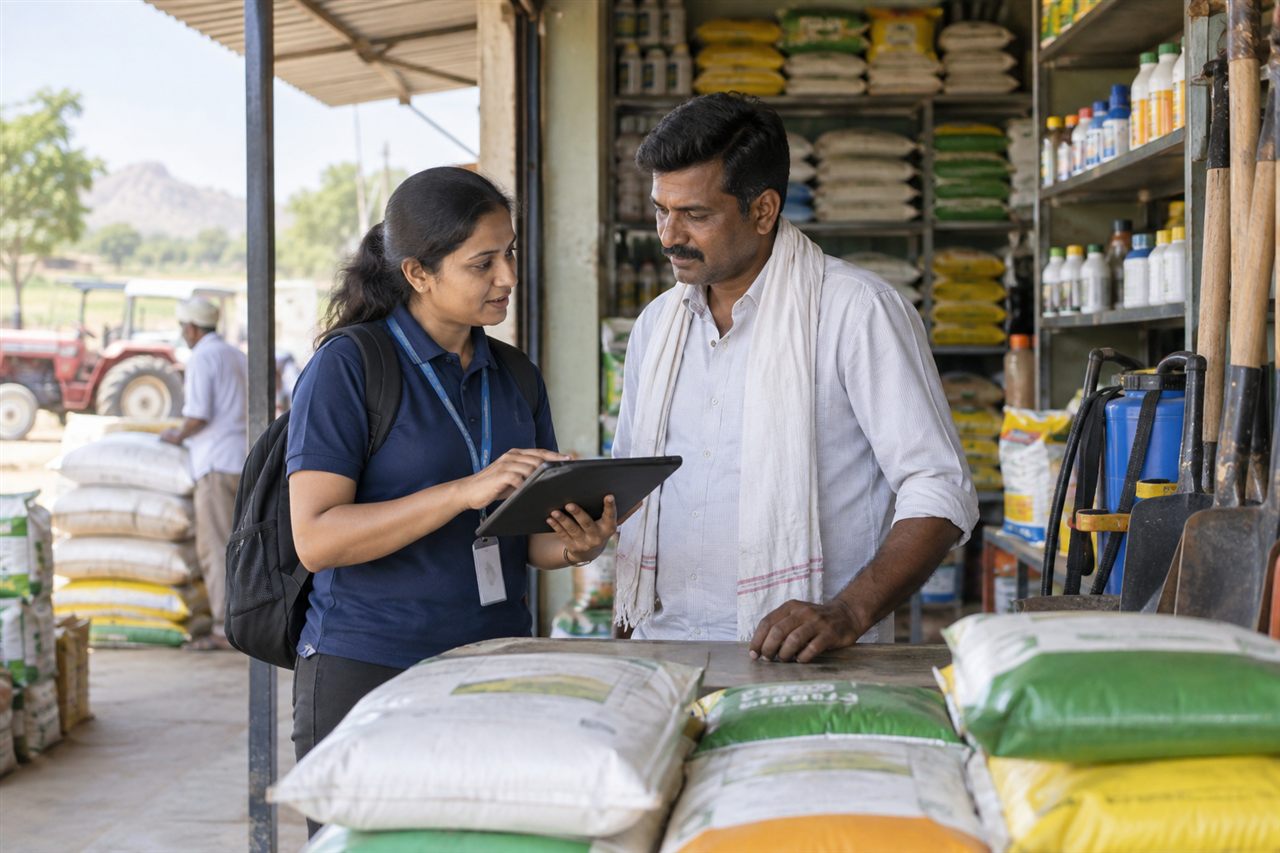
For agricultural-input distributors, equipment suppliers and dealer-facing sales representatives. Territory managers review business account activity across rural customer locations.
Managers need context for the day beyond a list of orders.
Use route history and customer visits to review field coverage alongside attendance.
Some dealers need more frequent contact during a buying period.
Review assigned accounts and organise the daily route around current customer calls.
An enquiry at a rural outlet may not yet be a confirmed requirement.
Record the visit separately and use order capture for the confirmed products and quantities.
The next account conversation needs the earlier commitment.
Keep outstanding visibility and promise-to-pay details available through the collection workflow.
A practical example for agricultural inputs & equipment; the steps depend on your enabled modules and employee roles.
Review assigned dealers and the practical route.
Log the business visit and retain its context.
Submit configured catalogue items and quantities.
Record the collection conversation and next commitment.
Managers review dealer coverage and order activity together.
Customer activity · Example field day
Review Field for visit activity, Sales for order work, Collection for account follow-up, and All-in-One for a combined workflow.
Explore the current plans and features for your team.
Features and availability follow the current package catalogue. Compare all package features and configured limits.
Customer visit logging and route history support field coverage. Test device connectivity and location permissions in the areas where your team works before rollout.
Do not assume every workflow works offline. Demonstrate the required attendance, visit and order actions under realistic network conditions and confirm the supported behaviour.
No. This page describes commercial field visits and orders, not crop diagnosis, agronomic recommendations or input application advice.
Equipment servicing, spare parts and warranty claims are outside the field-sales capabilities described here and need separate verification.
Use assigned account balances, collection history and recorded commitments. The manager can review the next follow-up with the employee responsible for the account.
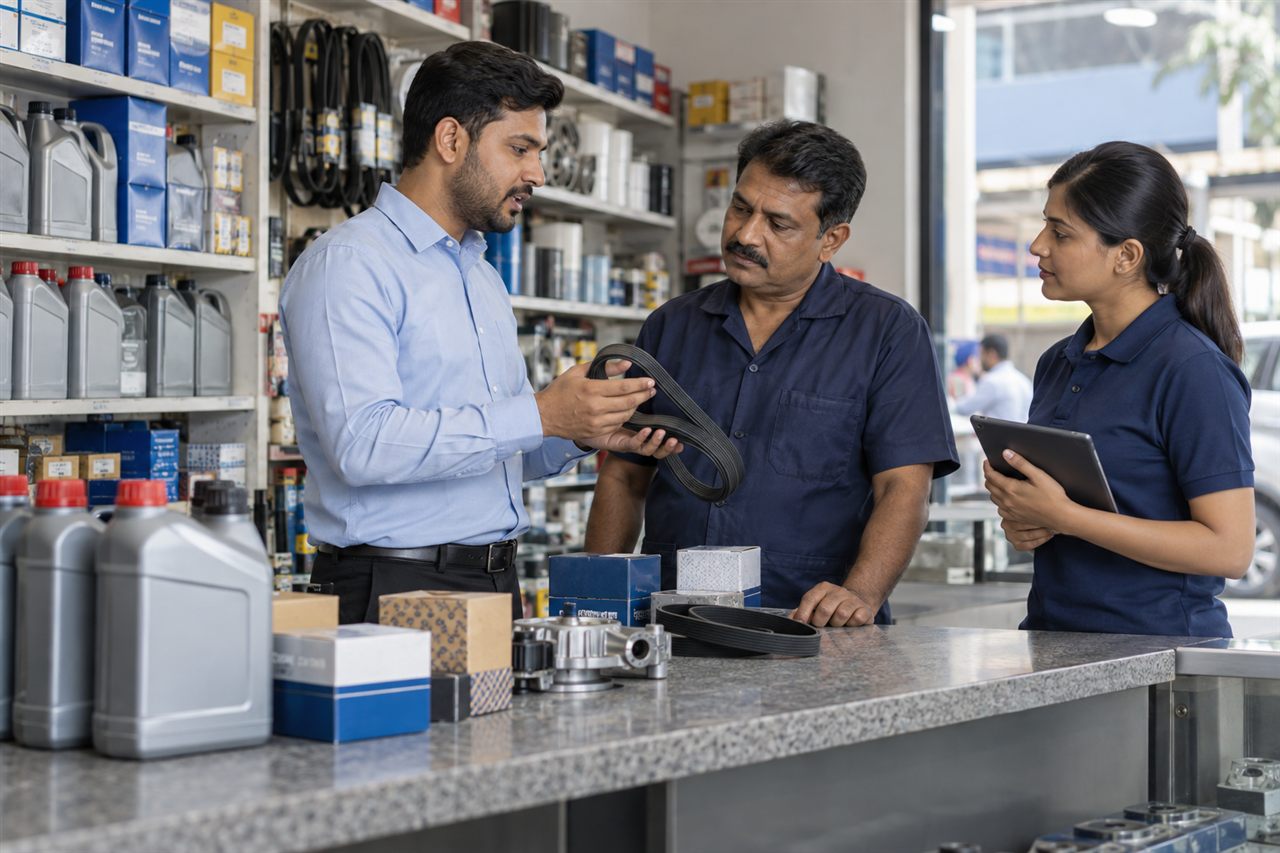
Organise workshop coverage, dealer replenishment orders and account payment follow-up.
Explore Automotive Parts & Lubricants solutions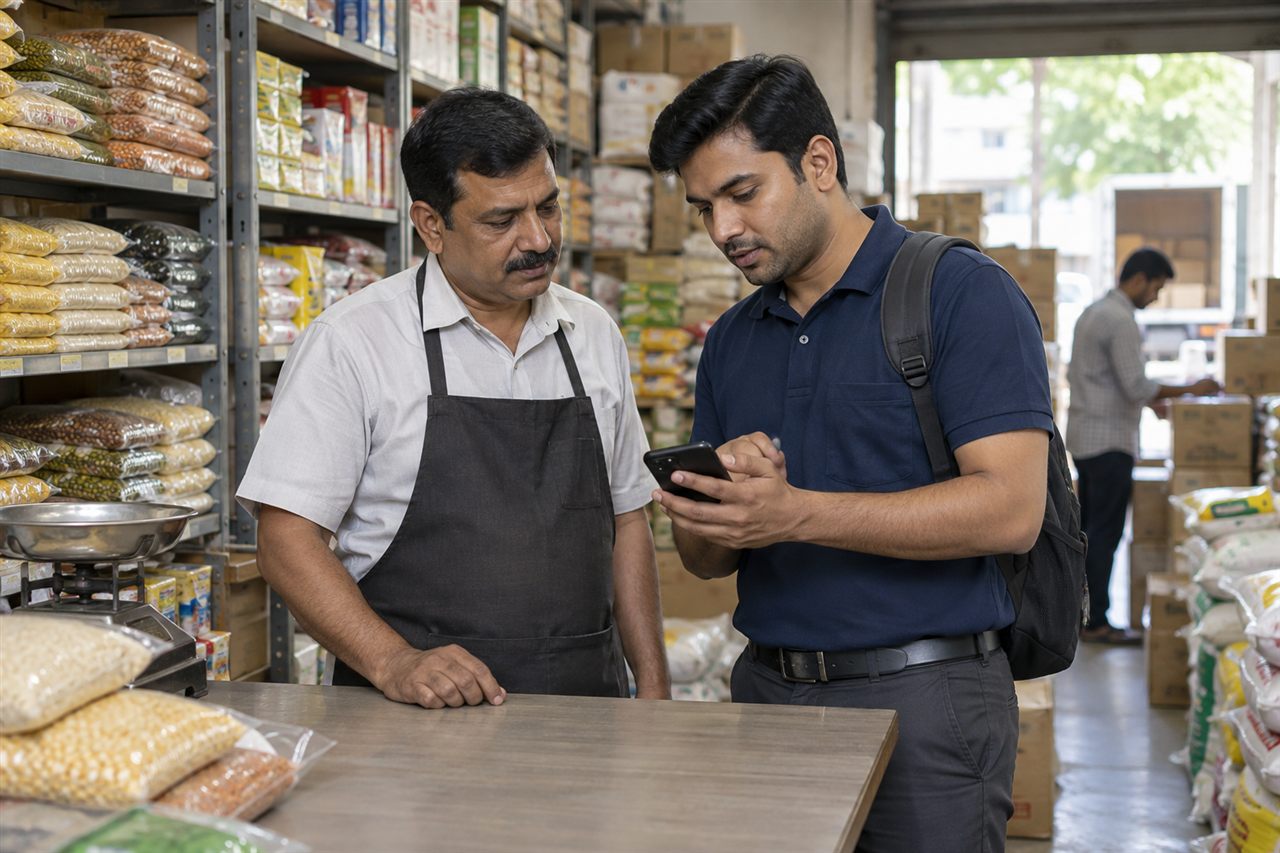
Keep outlet coverage, repeat orders and payment follow-up connected across your beats.
Explore FMCG & Distribution solutions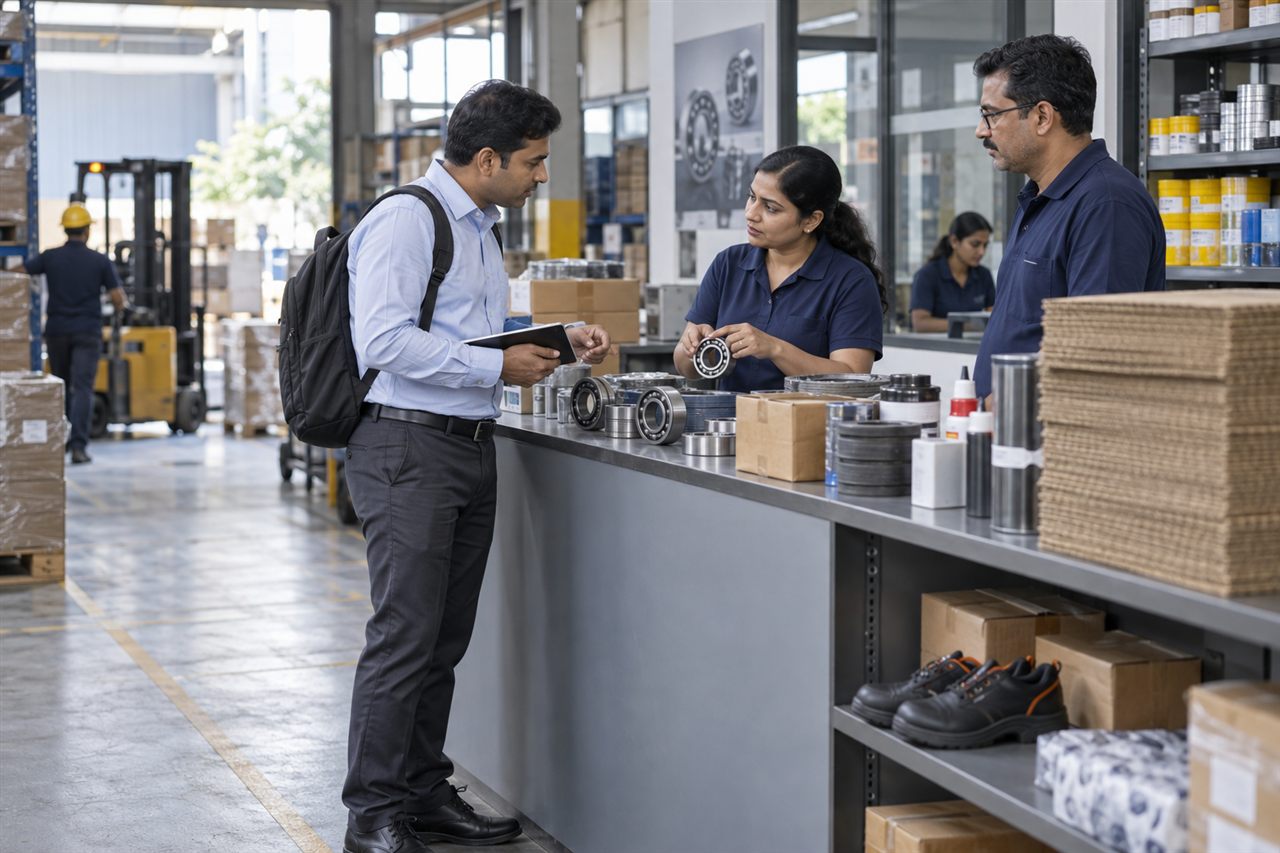
Connect industrial customer visits, repeat product orders and account collections.
Explore Industrial Supplies & Packaging solutionsBring a representative customer account and a typical working day to the demo.