Missed repeat calls
A busy beat can leave smaller outlets without a planned return visit.
How SalesTOS helps
Use assigned customer lists and route planning to organise the day, then review completed visits against the intended coverage.

Connect the work of distributor sales representatives, beat supervisors and collection teams. Keep repeat outlet visits, product orders and account follow-up visible without relying on end-of-day messages.
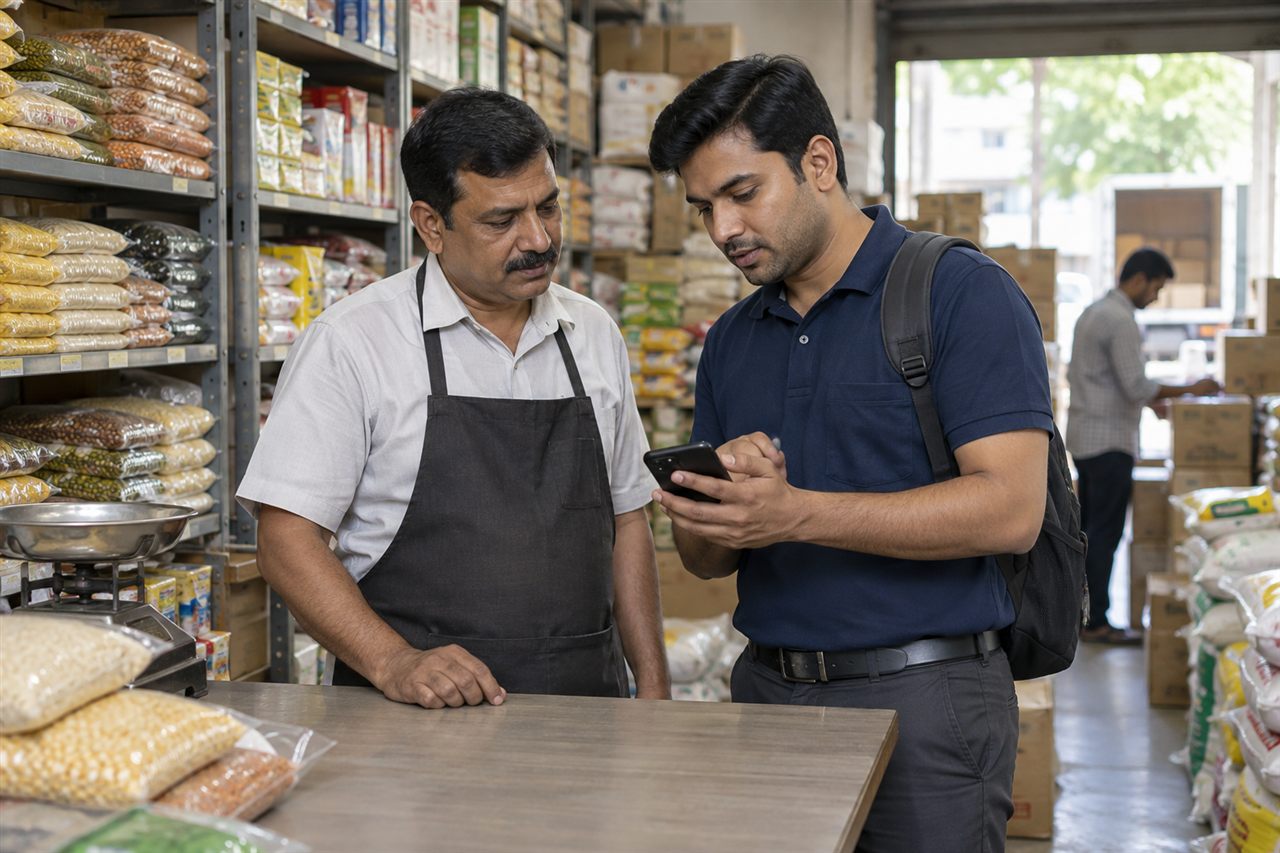
For FMCG distributors, wholesale suppliers and territory sales teams serving kirana stores and independent retailers. Field representatives record the visit; supervisors review activity across their assigned teams.
A busy beat can leave smaller outlets without a planned return visit.
Use assigned customer lists and route planning to organise the day, then review completed visits against the intended coverage.
A product request sent separately from the visit is harder for the office to follow.
Capture product quantities in the customer order record while the representative is at the outlet.
The retailer may have a new requirement as well as an outstanding balance.
Bring order activity and collection follow-up into the same working day with the relevant modules.
A total order value alone does not explain which outlets were reached.
Review attendance, visit history and team sales activity together before planning the next beat.
A practical example for fmcg & distribution; the steps depend on your enabled modules and employee roles.
Check in and review the assigned outlets and route.
Log the customer visit and review previous order activity.
Enter the requested products and quantities against the outlet.
Review outstanding information and record the agreed payment follow-up.
The supervisor checks visits and orders, then identifies outlets needing another call.
Customer activity · Example field day
Review Field for visit activity, Sales for order work, Collection for account follow-up, and All-in-One for a combined workflow.
Explore the current plans and features for your team.
Features and availability follow the current package catalogue. Compare all package features and configured limits.
Yes. Order capture and customer order history support repeat ordering in the Sales workflow. Confirm your product catalogue and units during setup.
This page covers field execution and order capture. Warehouse stock, inventory valuation and fulfilment need a separately verified system or integration scope.
All-in-One combines field, sales and collection modules. A representative can work with orders and account follow-up where their assigned permissions allow it.
Customer visit records and route activity provide the basis for reviewing which outlets were reached. Agree the customer assignments and manager hierarchy before rollout.
Bring a sample outlet list, a typical beat, a small product catalogue and an example outstanding account. These make it possible to walk through a realistic day without using sensitive live records.
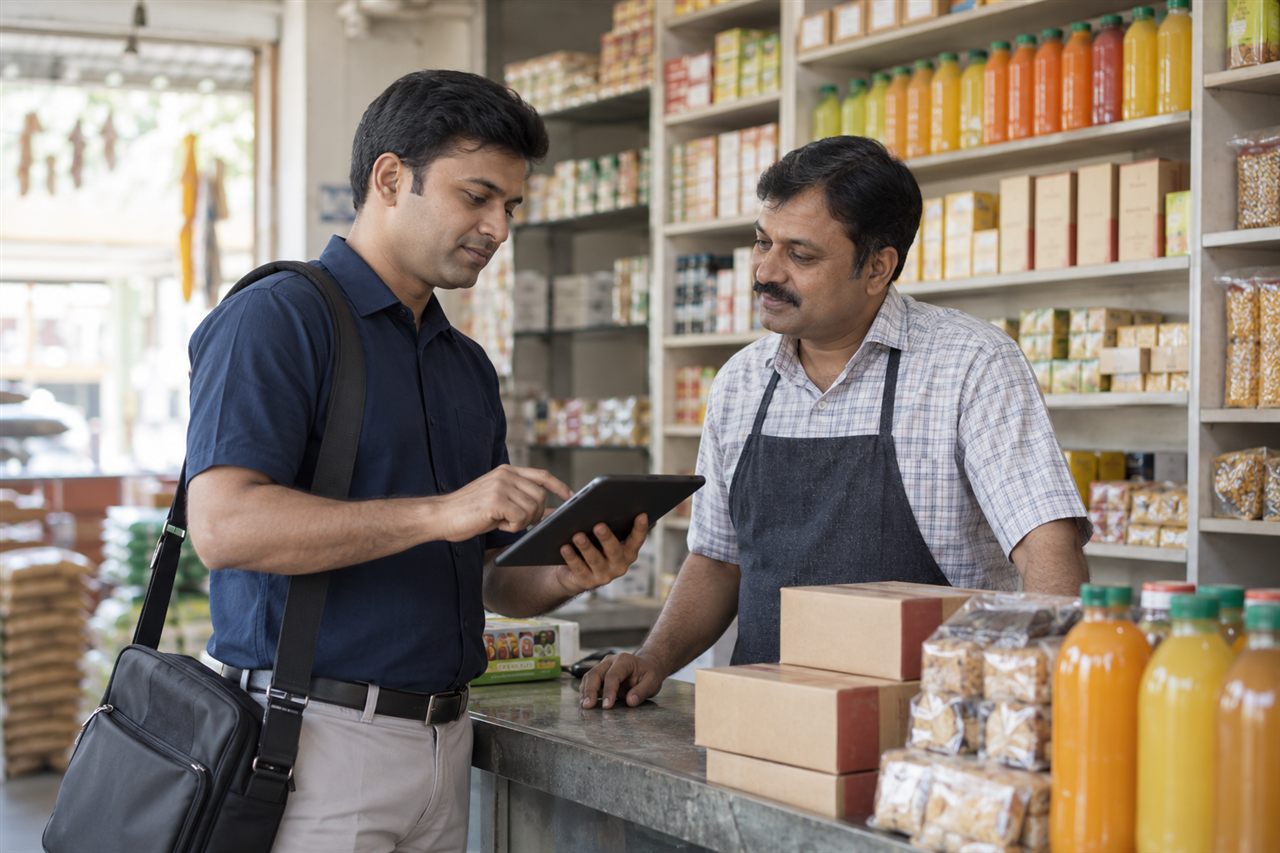
Organise retailer visits, repeat ordering and payment conversations across food and beverage accounts.
Explore Food & Beverage Distribution solutions
Organise institutional visits, repeat supply orders and collection follow-up across business accounts.
Explore Stationery & Office Supplies solutions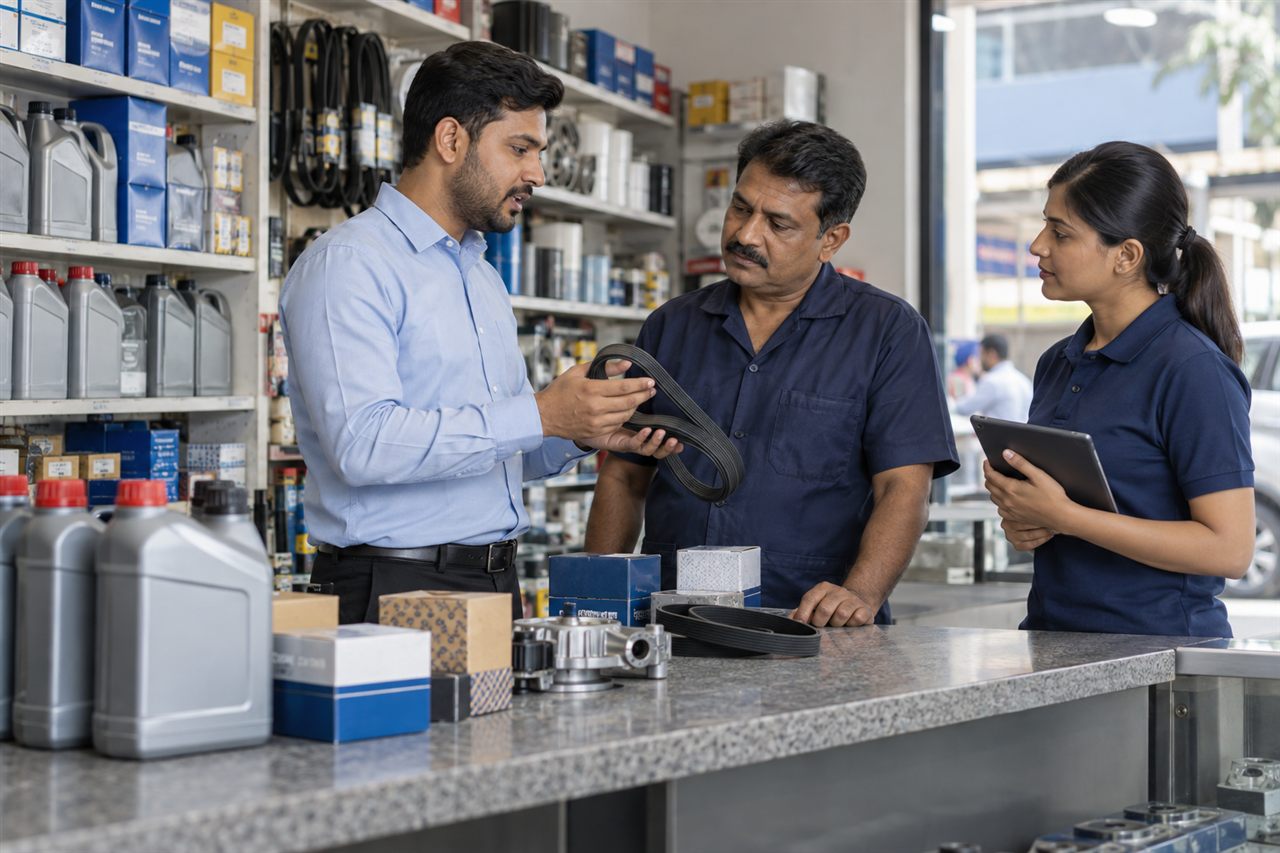
Organise workshop coverage, dealer replenishment orders and account payment follow-up.
Explore Automotive Parts & Lubricants solutionsBring a representative customer account and a typical working day to the demo.