Orders take more than one conversation
A dealer or institutional buyer may need several meetings to settle a requirement.
How SalesTOS helps
Keep dated customer visits available so the next call continues the account conversation.

Connect furniture dealer and institutional customer visits with product requirements and account follow-up. Give managers a record of the conversations leading to orders, not just the orders themselves.
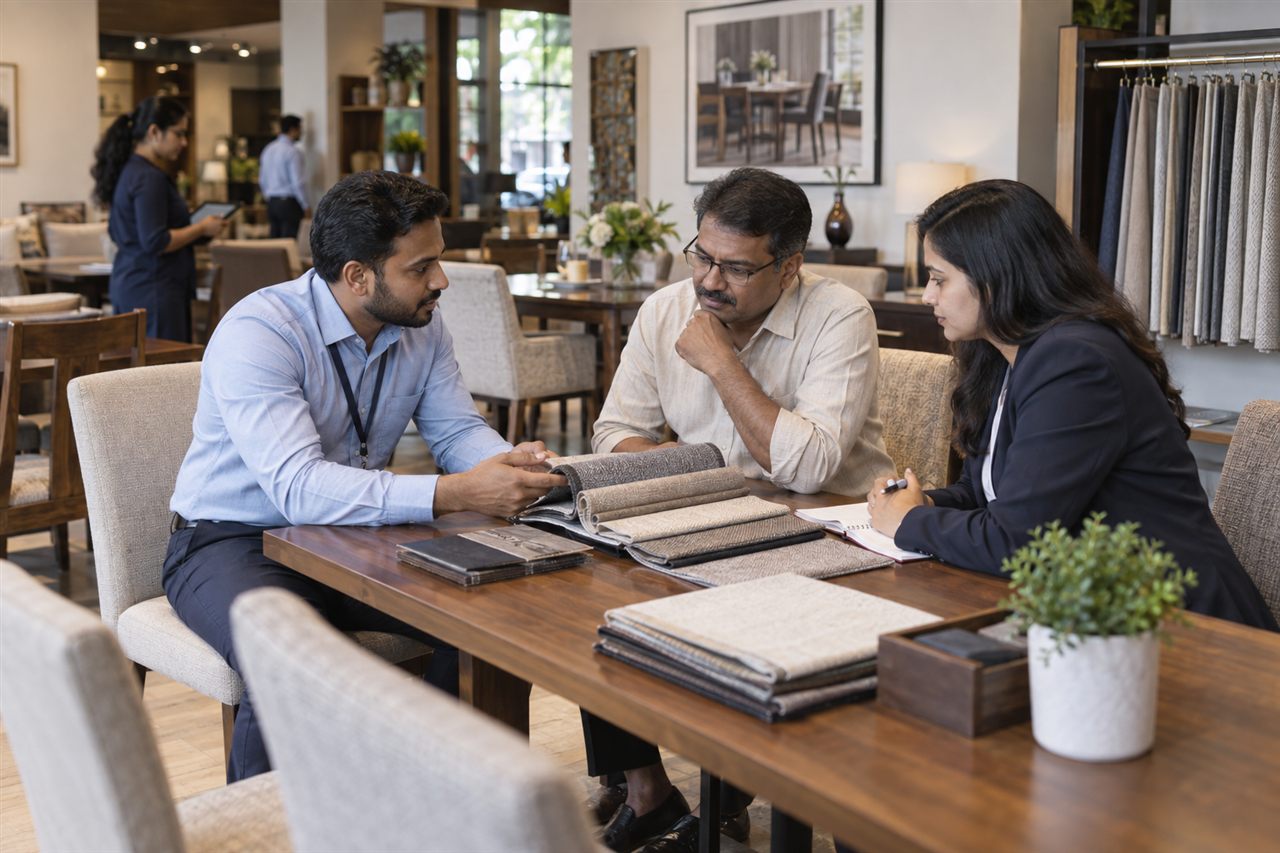
For furniture distributors, furnishing suppliers and field representatives serving showrooms, offices and institutional accounts. Territory managers can review customer engagement and recorded sales activity.
A dealer or institutional buyer may need several meetings to settle a requirement.
Keep dated customer visits available so the next call continues the account conversation.
Different account types compete for the same representative time.
Plan assigned customer calls and review route activity across the territory.
The office needs clear catalogue items and quantities associated with the account.
Submit the product order through the configured Sales workflow.
Teams may revisit the account without knowing the earlier commitment.
Use outstanding visibility and collection follow-up to retain account context.
A practical example for furniture & furnishings; the steps depend on your enabled modules and employee roles.
Review showroom and institutional visit priorities.
Record the customer visit and practical follow-up context.
Enter configured product items and quantities in the order.
Review outstanding information and record the payment conversation.
Managers look at visits and order activity before planning further calls.
Customer activity · Example field day
Review Field for visit activity, Sales for order work, Collection for account follow-up, and All-in-One for a combined workflow.
Explore the current plans and features for your team.
Features and availability follow the current package catalogue. Compare all package features and configured limits.
Yes. Visit logging can be used independently of order capture. It provides a record of contact while the customer is still deciding.
Manufacturing schedules, design approvals, bills of materials and made-to-order production are not promised by this field-sales workflow.
Define the customer ownership and manager hierarchy during setup. The visit workflow then follows the accounts available to each employee.
Delivery dispatch and installation scheduling are separate requirements. The described workflow records the customer order for your existing fulfilment process.
Demonstrate one showroom relationship and one institutional account, including a repeated visit, a confirmed catalogue order and an outstanding follow-up.

Keep seasonal retailer conversations, territory coverage, order activity and collections visible.
Explore Apparel & Textile Distribution solutions
Organise showroom visits, dealer product requirements and receivables follow-up.
Explore Plumbing, Sanitaryware & Tiles solutions
Organise institutional visits, repeat supply orders and collection follow-up across business accounts.
Explore Stationery & Office Supplies solutionsBring a representative customer account and a typical working day to the demo.